 German
 Spanish
 Russian
Toggle Nav

Call Today
844-333-3903
My Account
Call Today
Upgrade your OEM Audi screen with our Audi Q5 Wireless CarPlay / Android Auto System. This system is compatible with 2009-2019 Audi Q5's that are equipped with 3G MMI or AMI systems. Our comprehensive video interface module will integrate all the features of Apple CarPlay / Android Auto onto your existing Audi command system. Once installed, the system is ready for use without any dealer activation or coding required and DOES NOT require any cutting or splicing of OEM cables.
Fits 2009-2019 Audi Q5 models equipped with
3G MMI or AMI systems
A dealer or shop-installed OEM retrofit typically runs $600+ before labor. Ours is $449.99, plug and play, with no dealer coding or activation required and no cutting or splicing of OEM cables. A 1 year warranty is included with every order.
Here is what you will pick at checkout:
1. Command system: AMI / INT MMI, 3G MMI / EXT MMI, or MIB2 (2018 Models), all at no added charge.
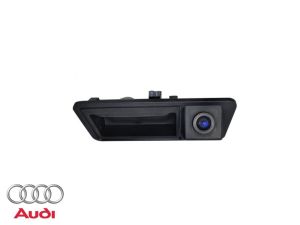
2. Camera Option: add a Flush Mount Camera (add $50) or a Tailgate Handle Camera (Must Be 4.5" Across) (add $60), and be sure to measure your tailgate handle before choosing the handle style. Already covered? Select "No - I want to use my factory camera" or "No - I already have another RCA camera to use" at no added charge.
3. Front Camera Add-On (optional): the Adjustable Lens Front Camera (106S) (add $60) or the Front Grill Camera (add $70), both forward-facing cameras, or skip this add-on.
4. Extended Warranty (optional): 2 Year (add $20) or 3 Year (add $40). The 1 year warranty is already included with every order.
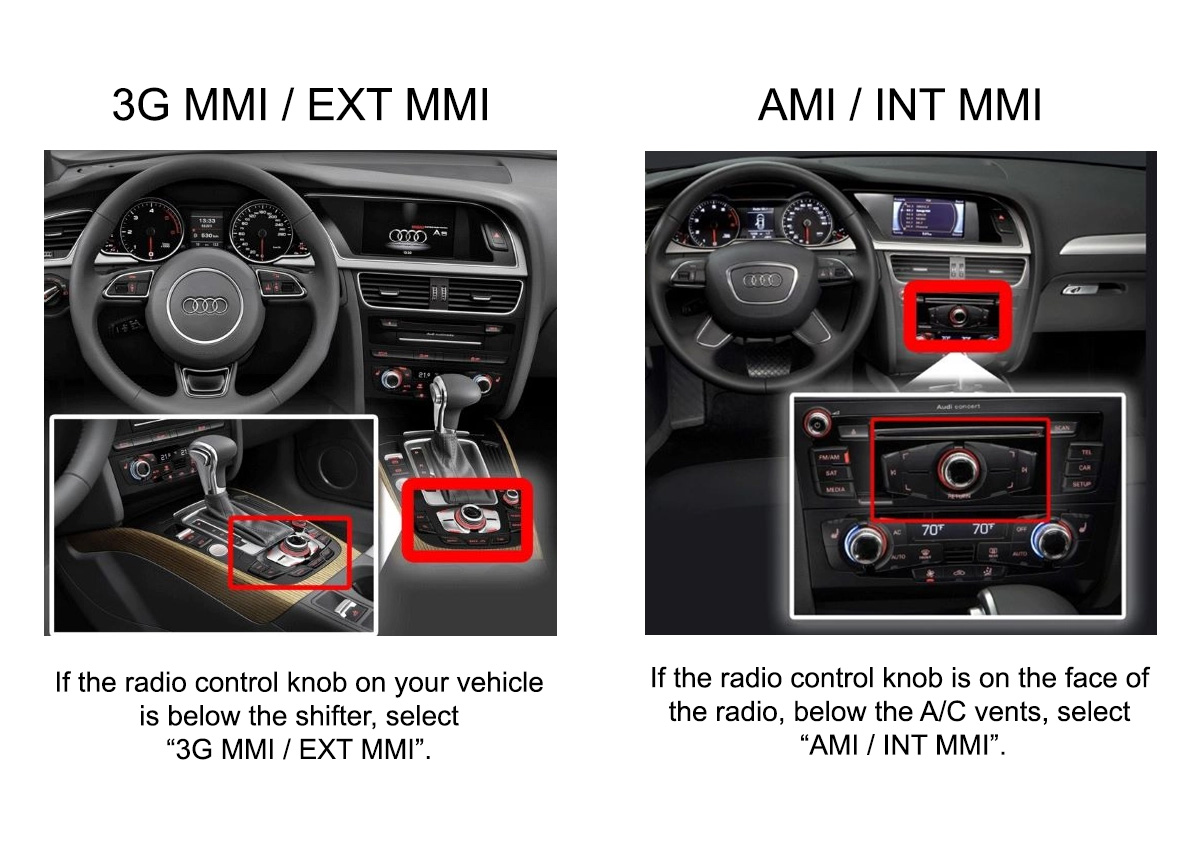
Not sure which command system you have? Click here to confirm your radio model and you are good to go, or send an email to sales@emeraldintegrations.com with a photo of your vehicle's screen and center console controls, or your VIN, and we will confirm it for you.
This kit covers the Q5 across the whole 2009-2019 stretch, all on your original screen. Whether your car left the factory with a base AMI setup or the full 3G MMI navigation package, the module adds wireless Apple CarPlay and Android Auto through a plug-in connection behind the display.
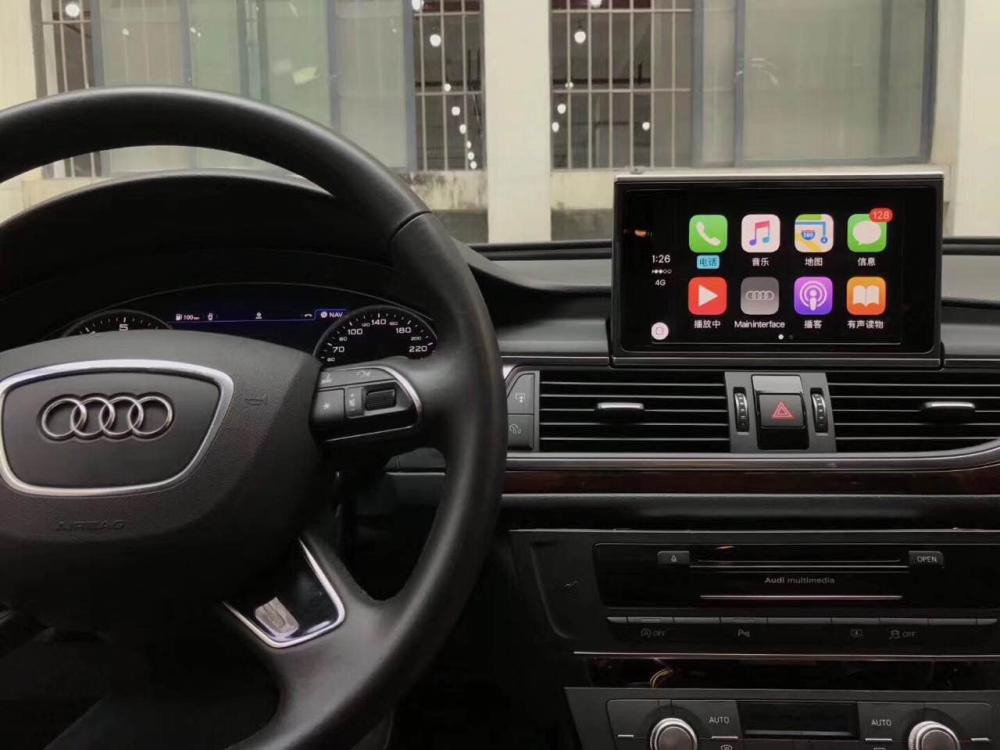
Audi varied the Q5's electronics far more than its cabin across 2009-2019. AMI-based cars appear from 2009 onward, 3G MMI runs from 2010 through 2018, and the order form lists a MIB2 option for 2019 models. Each system uses different connectors at the back of the monitor, so the command system you select on the order form determines which wiring harness ships in your box. Dedicated installation guides cover AMI cars, 3G MMI cars, and MIB2 cars separately.
Installation needs no dealer visit, no coding, and no cut or spliced factory wiring, and your phone connects over Bluetooth or the included USB cable.
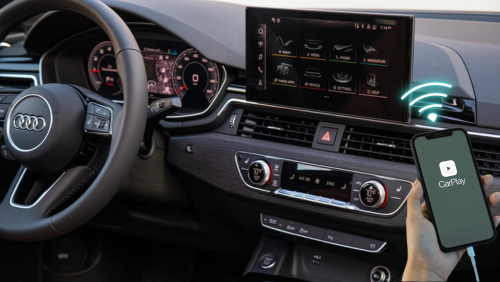
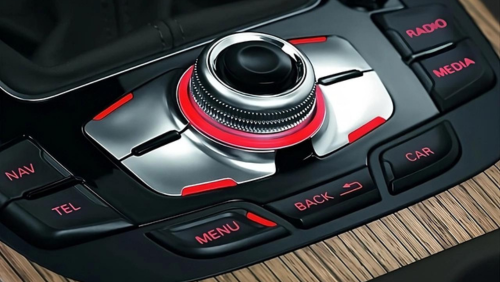
Everything runs through the buttons and knob already on your console, and every order is backed by our 1-year warranty.
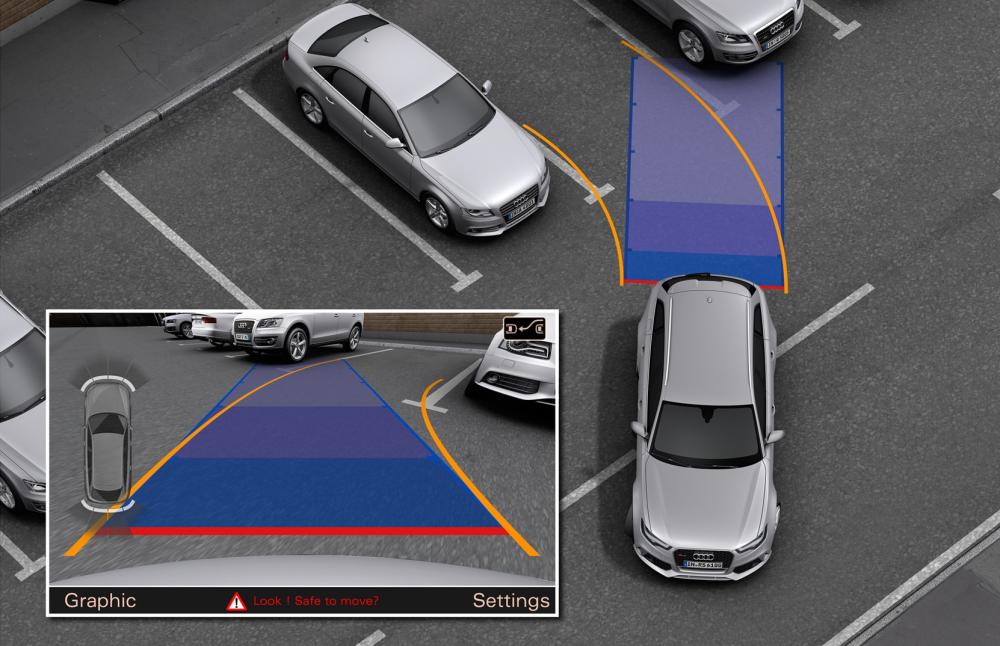
Q5 owners mostly feel this kit in daily hauling duty: reversing out of tight spots gets easier with the optional cameras, and the tailgate handle version integrates into the hatch, as long as the handle measures 4.5 inches across.
If your car already has Parking Distance Control, the module overlays those sensor graphics alongside the camera image.
Unsure which you have? Compare your radio to the identification image or send a photo of your unit before you order.
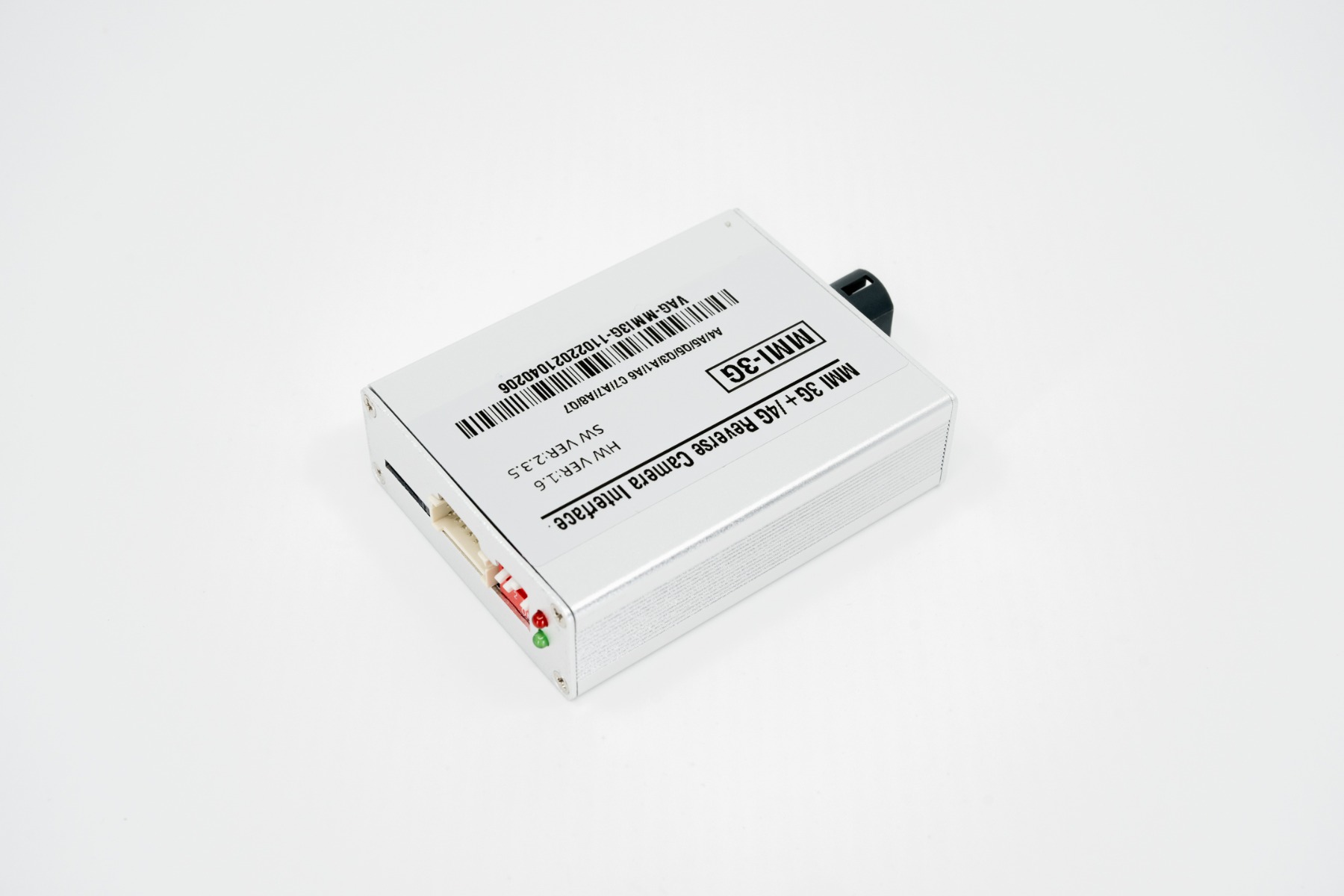
*** = Only for Apple Carplay / Android Auto interface
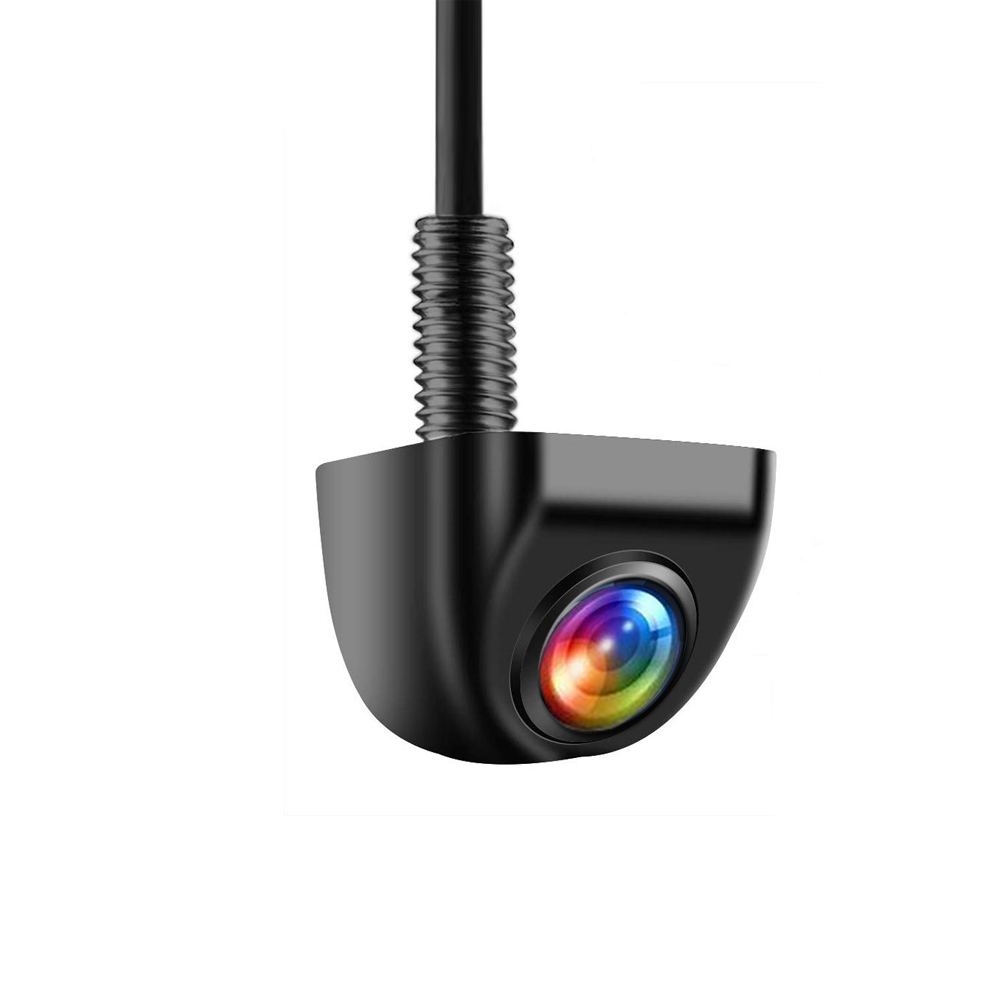
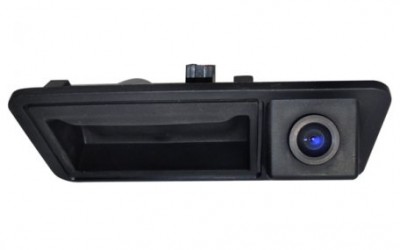
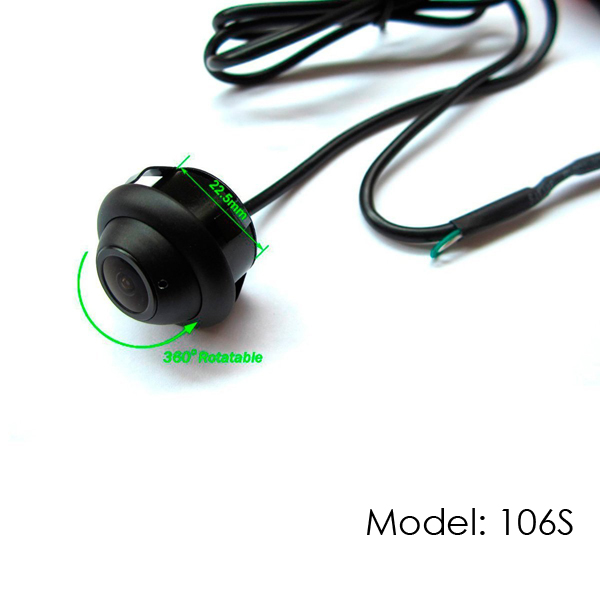
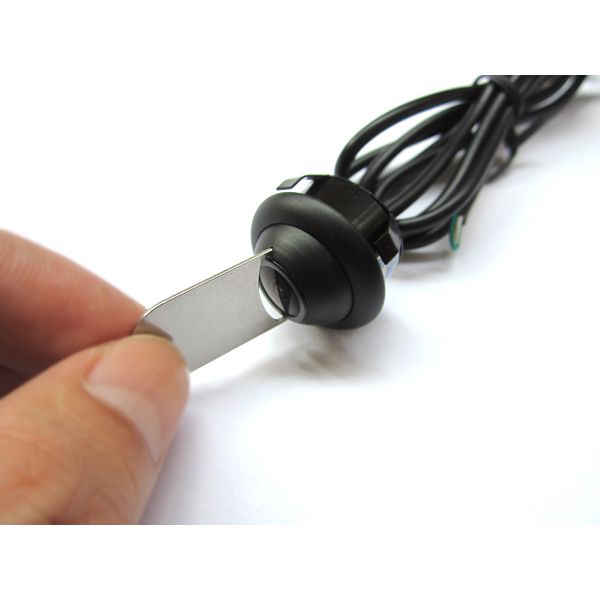
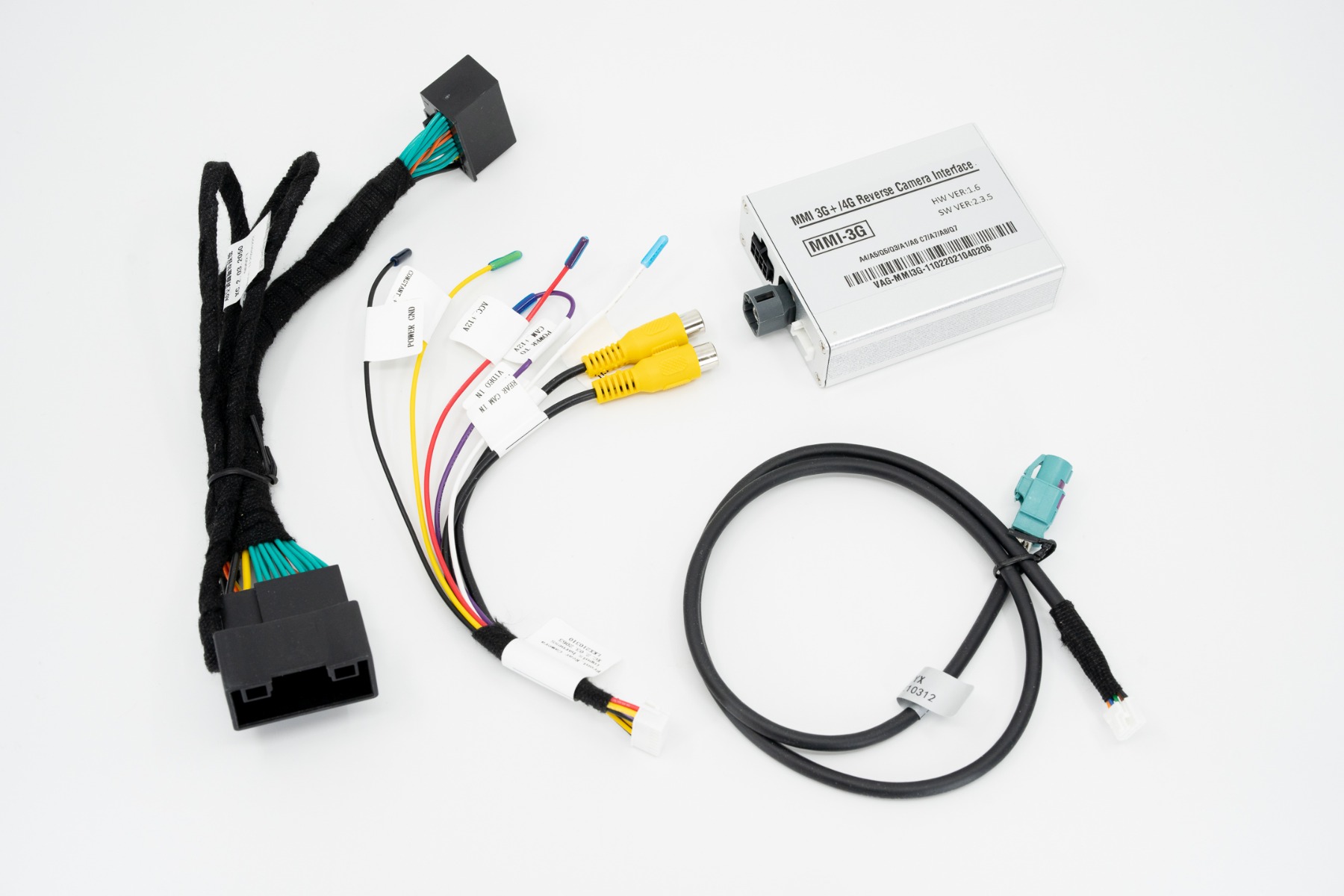
*Exact package contents may differ based on your vehicle specification and options chosen*
Looking for JUST a backup camera system without CarPlay and Android Auto? That is our 2009-2018 Audi Q5 / SQ5 OEM Integrated Backup Camera System.
This system covers 2009-2019 Audi Q5 models equipped with 3G MMI or AMI systems, and at checkout you pick AMI / INT MMI, 3G MMI / EXT MMI, or MIB2 (2018 Models). If you are not certain which of the three applies to your car, do not guess. Click here to confirm your radio model, or send an email to sales@emeraldintegrations.com with a photo of your vehicle's screen and center console controls, or your VIN, and we will confirm it for you.
Yes. This is a video interface module that integrates all the features of Apple CarPlay and Android Auto onto your existing Audi command system, so it displays on the OEM screen you already have. It is not a screen replacement, and it does not require any cutting or splicing of OEM cables. You can switch back and forth between your factory screen and the CarPlay screen at any time; nothing is removed or disabled.
No. Once installed, the system is ready for use without any dealer activation or coding required. It is plug and play, and a 1 year warranty is included with every order, with optional extended coverage of 2 Year (add $20) or 3 Year (add $40).
| Make | AUDI |
|---|---|
| Year | 2009,2010,2011,2012,2013,2014,2015,2016,2017,2018,2019 |
| Icon | Label | Description | Type | Size | Download |
|---|---|---|---|---|---|

|
AMI / INT MMI Installation | CarPlay Installation for AMI and INTERNAL MMI SYSTEMS | 701.1 KB | Download | |
|
|
Audi MMI 3G CarPlay and Android Auto | Installation guide for wireless CarPlay and Android Auto on Audi MMI 3G systems | 444.1 KB | Download | |
|
|
MIB/MIB 2 (7in.) | CarPlay Installation for MIB systems | 973.2 KB | Download |